Glasses Try-On
Upload a photo and preview glasses frames on your own face in seconds. Our free AI glasses try-on detects your face shape, then overlays matching frames right onto your photo — no sign-up, no payment, and your photo never leaves your device.

How AI Glasses Try-On Works
Four steps from photo to preview — all processed locally on your device, every time.
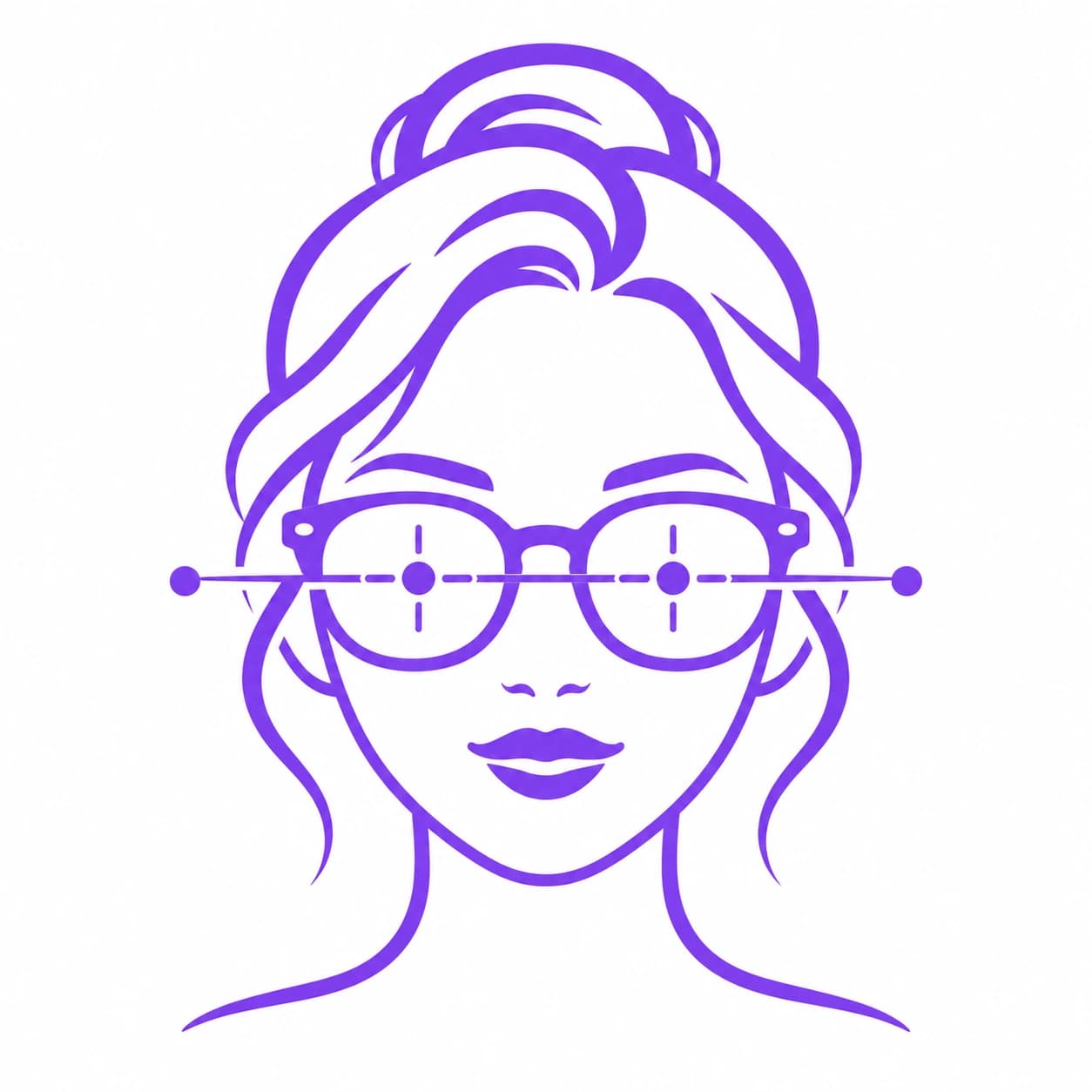
Upload or take a photo
Upload a clear, front-facing photo in natural light, or use your device camera directly in the browser.
AI detects your face shape
MediaPipe Face Landmarker runs entirely in your browser and maps 478 points to classify your face shape — Oval, Round, Square, Heart, Diamond, Oblong, or Triangle.
Pick a frame to try on
Open your personalized recommendations and choose any glasses frame from the list matched to your face shape.
See it on your own photo
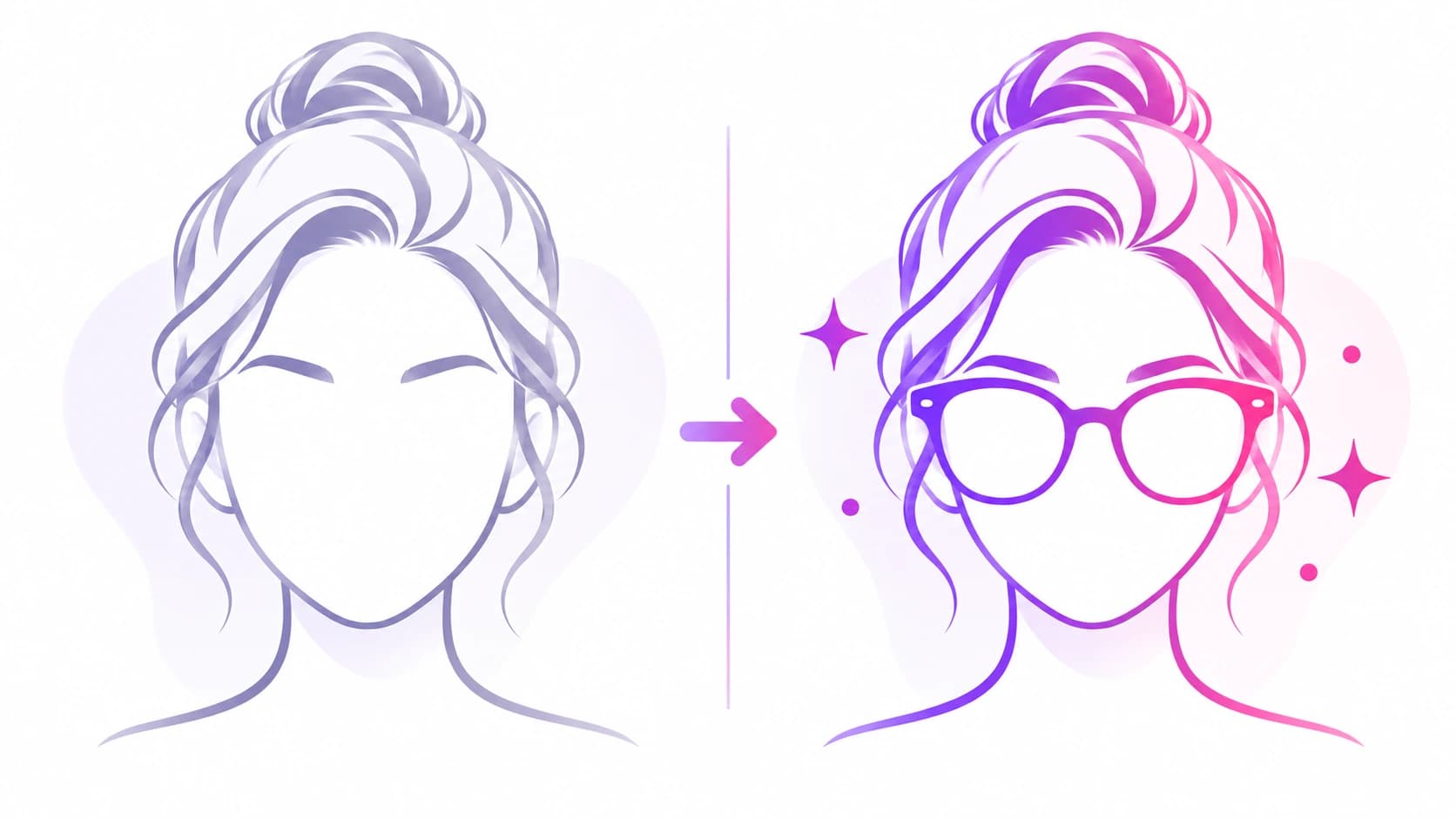
The frame is overlaid directly onto your uploaded photo, sized and rotated to match your eye line — then you can download it.
Why This Glasses Try-On Is Always Free
Other glasses try-on tools charge per render because they send your photo to a paid cloud AI image generator. This one doesn't — everything runs on your own device, so there's no per-use cost to pass on to you.
No sign-up
Start trying on glasses frames immediately — no account, no email, no login.
No payment, ever
Every frame, every face shape, every try-on — completely free, with no paywall or credit limit.
Nothing uploaded to a server
Your photo is processed entirely in your browser using on-device AI — it is never sent anywhere.
No subscription
There is no recurring plan to cancel, because there was never a plan to begin with.
How to Photograph Yourself
A good photo makes every glasses preview line up better.
Face the camera directly
Look straight ahead — chin level, not tilted up or down, so the frame overlay aligns to your eye line correctly.
Remove your current glasses
Existing glasses in your photo can confuse the landmark detection used to size and place each new frame.
Even, natural lighting
Soft daylight from in front is ideal. Strong shadows across one side of your face can affect detection.
Neutral expression
A relaxed expression gives the most accurate face shape reading before you try on frames.
Single face in frame
The tool works best with one person clearly visible in the photo.
High-resolution photo
A clear, sharp photo gives the AI more precise eye-corner positions to align each frame to.
Try-on looks misaligned? Retake the photo facing the camera directly, in even light, with no existing glasses and no head tilt.
See Yourself in Glasses — Before You Decide
Read: Glasses for Every Face Shape
The full guide to flattering frames for Oval, Round, Square, Heart, Diamond, Oblong & Triangle face shapes
Also try the Hairstyle Try-On
Preview hairstyles matched to your face shape on your own photo — also always free
How We Built This Try-On
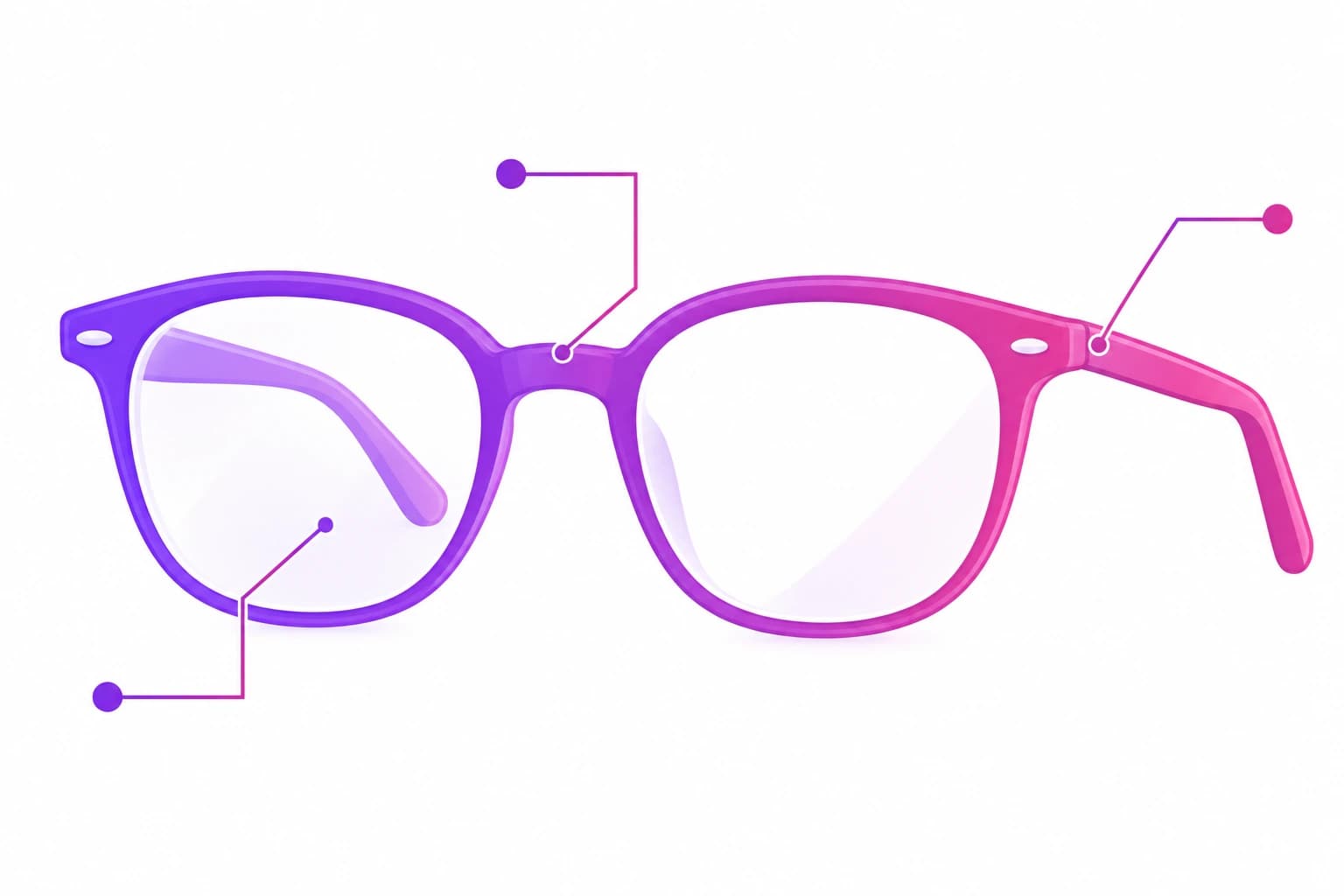
Face shape classification uses Google's open-source MediaPipe Face Landmarker, the same 478-point model behind every analysis tool on this site, including our face shape calculator. Each glasses frame is then sized and positioned using your detected outer eye-corner and temple coordinates — the frame width is scaled to your temple-to-temple distance and rotated to match your eye line, computed directly from those landmarks rather than placed by eye.
The frame-to-face-shape pairings shown as recommendations follow the same optician-certification contrast principle covered in our full glasses for face shape guide — a frame outline introduces a line the face is missing, rather than repeating one it already has. We chose a stylised illustration overlay instead of photorealistic AI rendering specifically so the tool can stay free and fully on-device; that is a deliberate trade-off, not a limitation we're hiding.
Noticed a frame that doesn't align well, or have a style you'd like added? You can submit feedback here — we read every report.
Frequently Asked Questions
Everything you need to know about the glasses try-on tool and how it works.
Is this glasses try-on actually free?
Yes — completely. There is no paywall, no credit card, no per-render fee, and no subscription. Every frame preview on this page is free to use as many times as you like.
Do I need to create an account?
No. You can upload a photo and start trying on glasses immediately — no sign-up, no email address, no login required.
Is my photo uploaded to a server?
No. Face shape detection and the glasses overlay are both computed entirely in your browser using on-device AI (MediaPipe Face Landmarker). Your photo is never uploaded to or stored on any server.
How does the AI pick glasses frames for me?
The tool first detects your face shape from your photo, then shows a curated list of frame styles generally considered flattering for that shape — for example, angular frames for round faces, or rounded frames for square faces. You can preview any of them, not just the suggested ones.
Can I download my try-on photo?
Yes — once a frame preview is ready, a "Download Photo" button saves the result as a PNG to your device.
Does this work on mobile?
Yes — the tool works in any modern mobile or desktop browser. You can upload a photo from your camera roll or take one directly with your device camera.
Why does the frame look like an illustration rather than a photo?
The try-on overlay uses stylised frame illustrations aligned to your eye line rather than photorealistic AI image generation, which keeps the tool completely free and 100% private — photorealistic AI rendering requires sending your photo to a paid cloud service, which we deliberately avoid.
How many frames can I try on?
You can try on as many glasses frames from your recommendations list as you like, with no daily limit.
What if no face is detected?
Make sure your photo is well-lit, front-facing, and shows your whole face clearly with no filters or heavy shadows. Use a single-person photo, since multiple faces in frame will also cause an error.
Does this also work for sunglasses?
The frame shapes shown apply equally to prescription glasses and sunglasses — face-shape guidance is about frame shape, not lens tint. See our dedicated sunglasses guide for shade-specific recommendations.