Foundation Shade Finder
Upload a photo to instantly find what foundation shade you are — our free foundation shade finder with photo reads your skin tone and undertone (warm, cool, neutral, or olive) and matches you to close foundation shades. No sign-up, fully private.
What Is a Foundation Shade Finder?
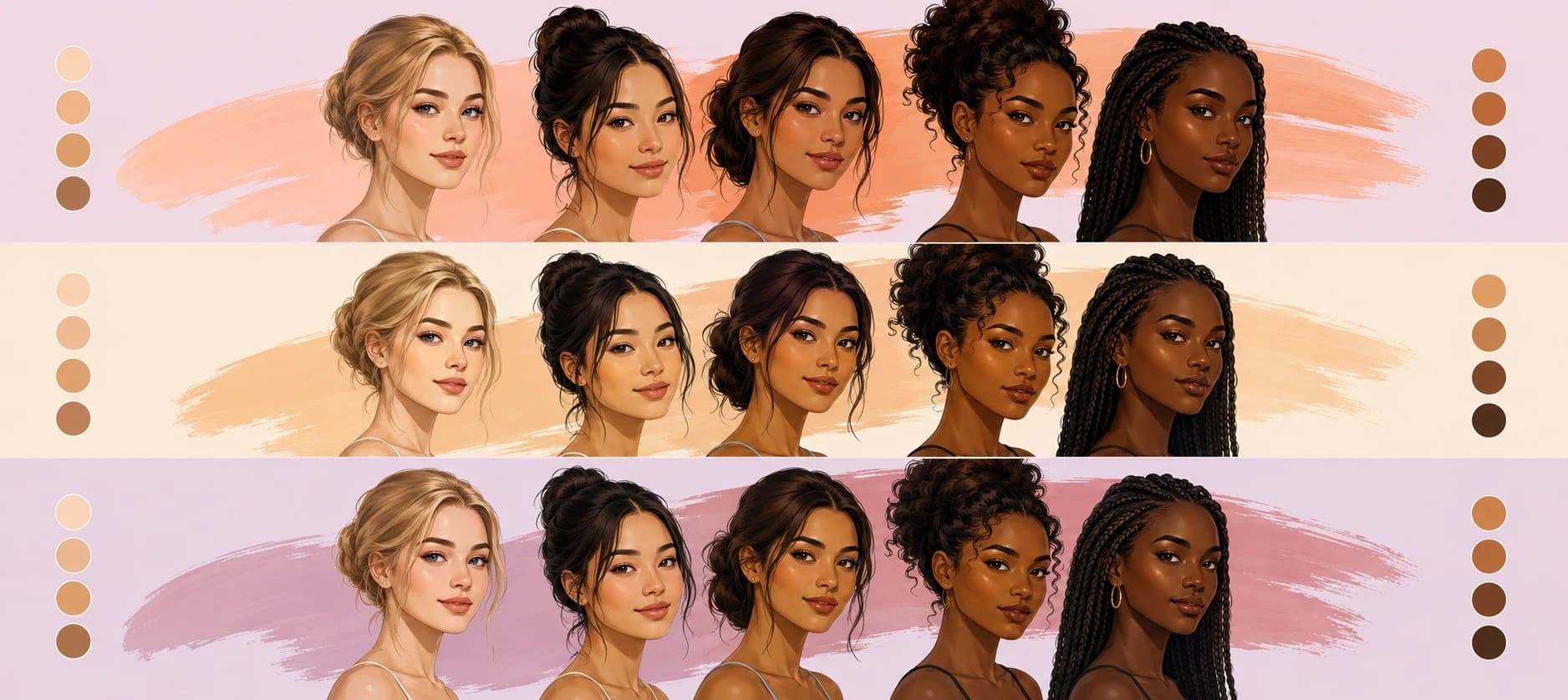
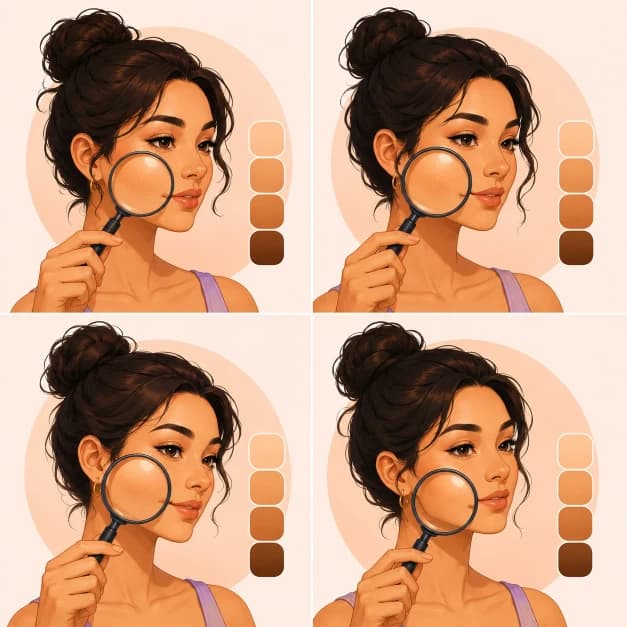
A foundation shade finder is a tool that estimates your natural skin tone and undertone — then suggests foundation shades likely to match. This one does it with a photo: upload a selfie and AI facial landmark detection samples your cheeks, forehead, and chin directly from the image, converts the readings into a standardized color space, and classifies your depth and undertone in seconds, entirely in your browser.
How Shade Matching Works
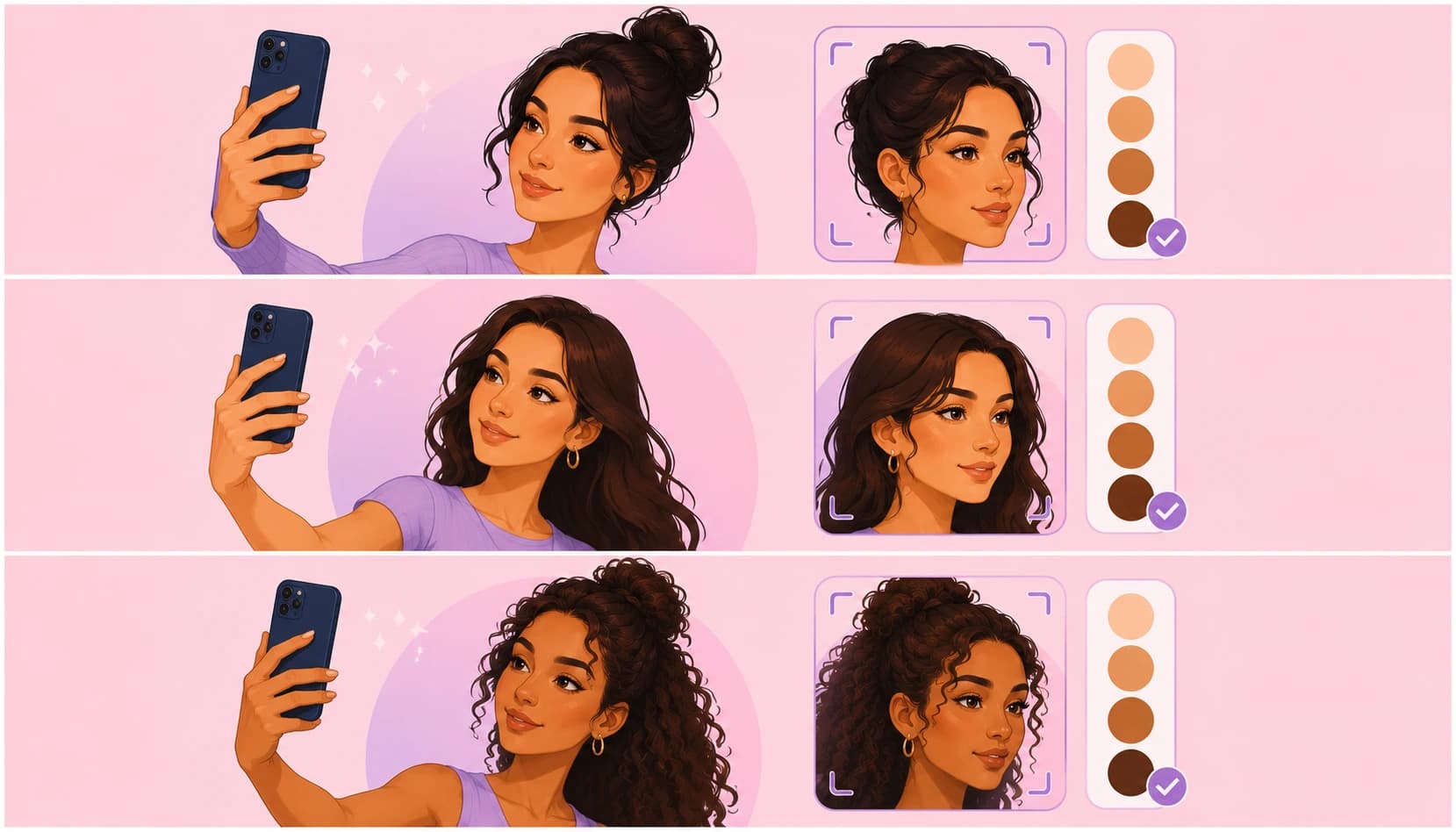
A quick, three-step read of your skin tone and undertone — all processed locally on your device. For the full mechanics of undertone detection, see our skin tone analyzer.
Capture a photo
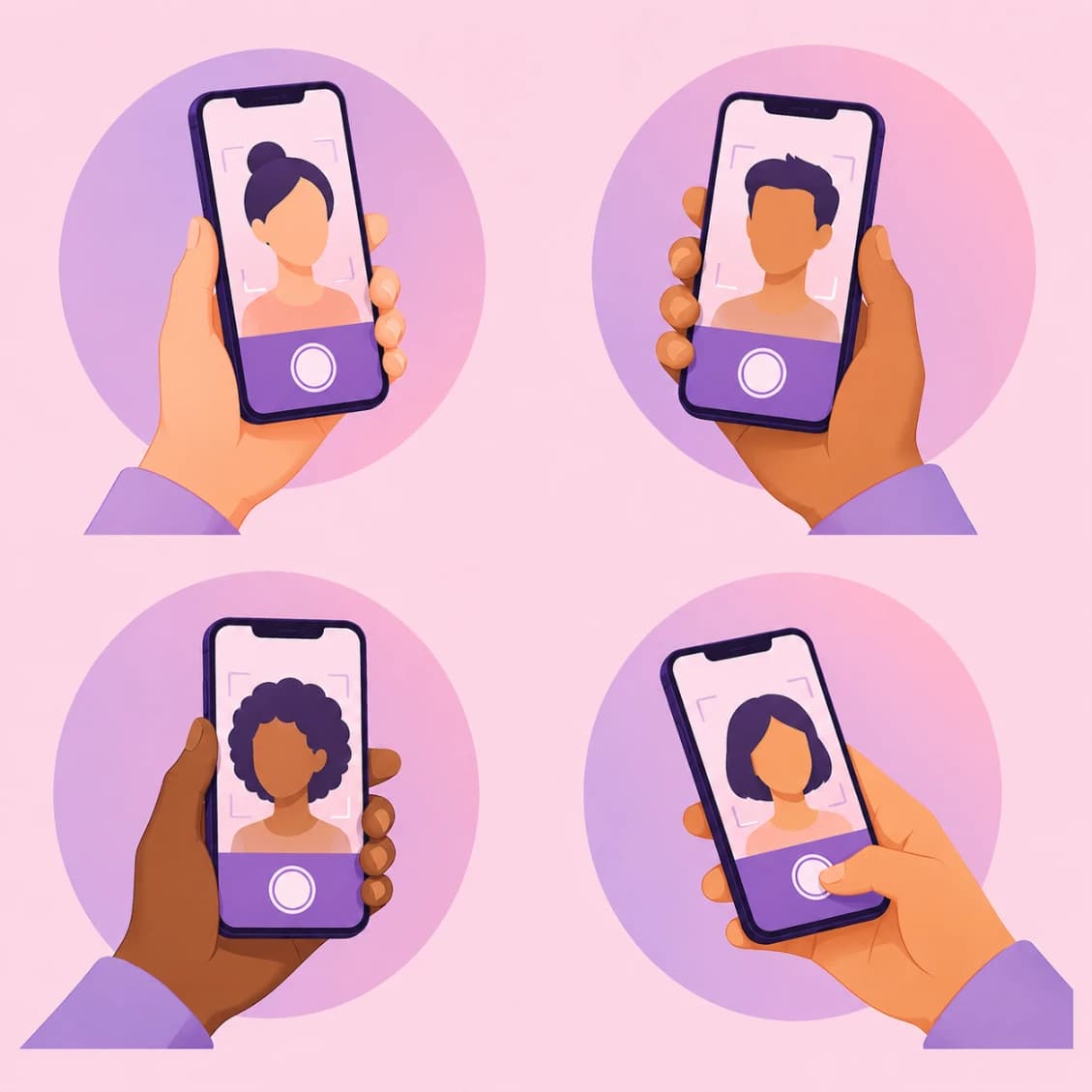
Upload a clear, front-facing photo or take one with your device camera in even, natural light.
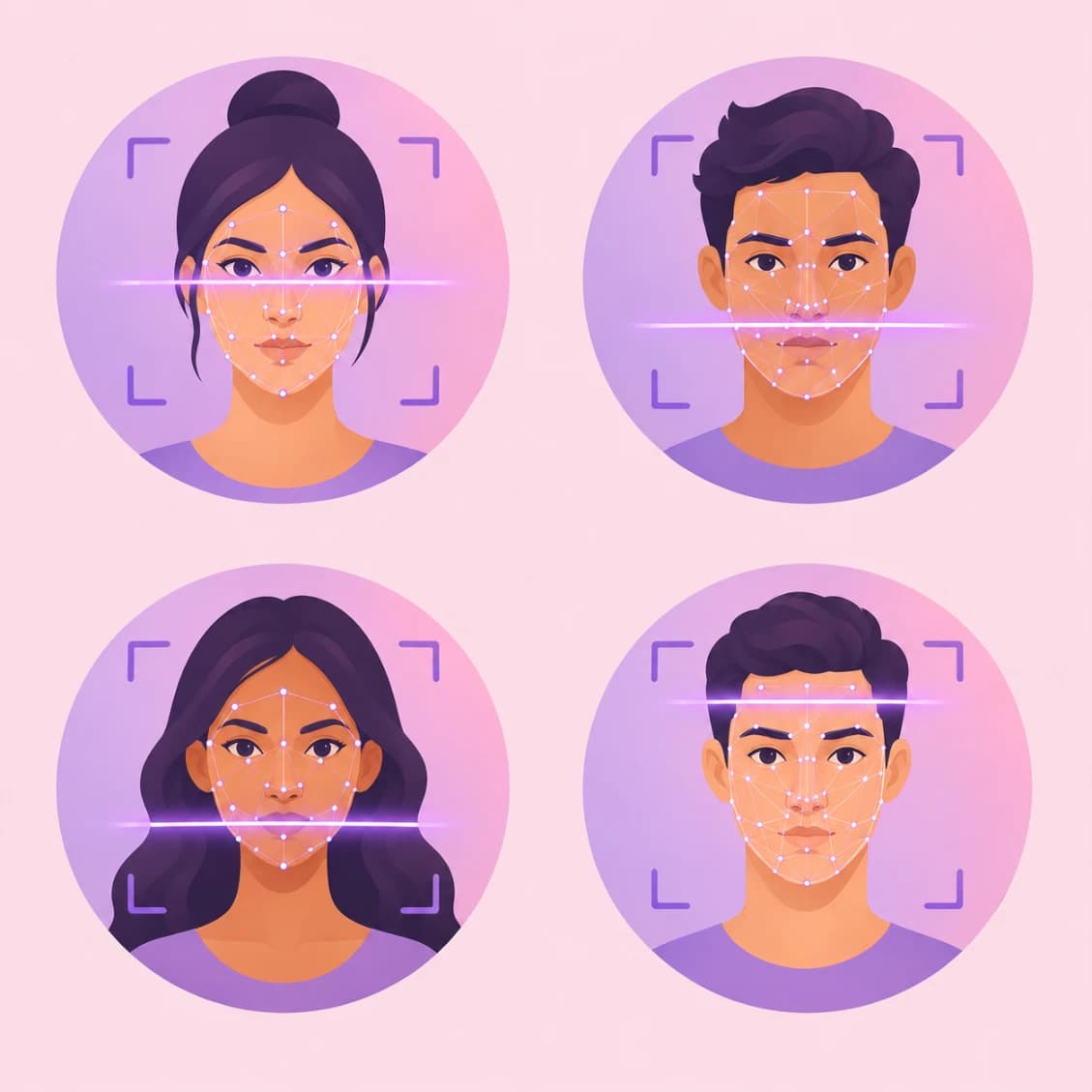
AI samples your skin
MediaPipe Face Landmarker maps your face and samples color from your cheeks, forehead, and chin.
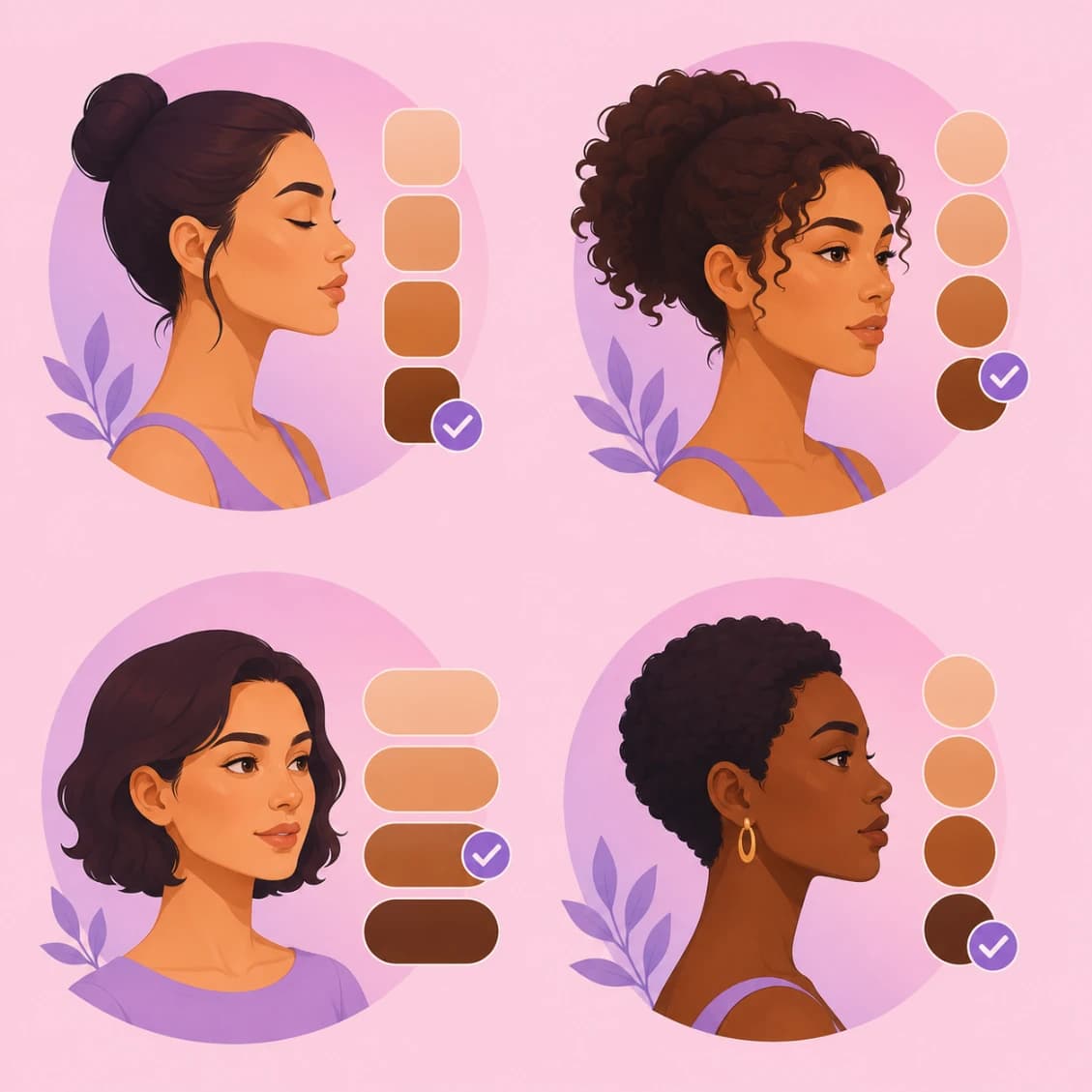
Get matched shades
Your tone band and undertone are classified, and close-matching foundation shades are suggested.
Shop Your Shade
Once you know your tone band and undertone, here are example shade profiles to look for when shopping.
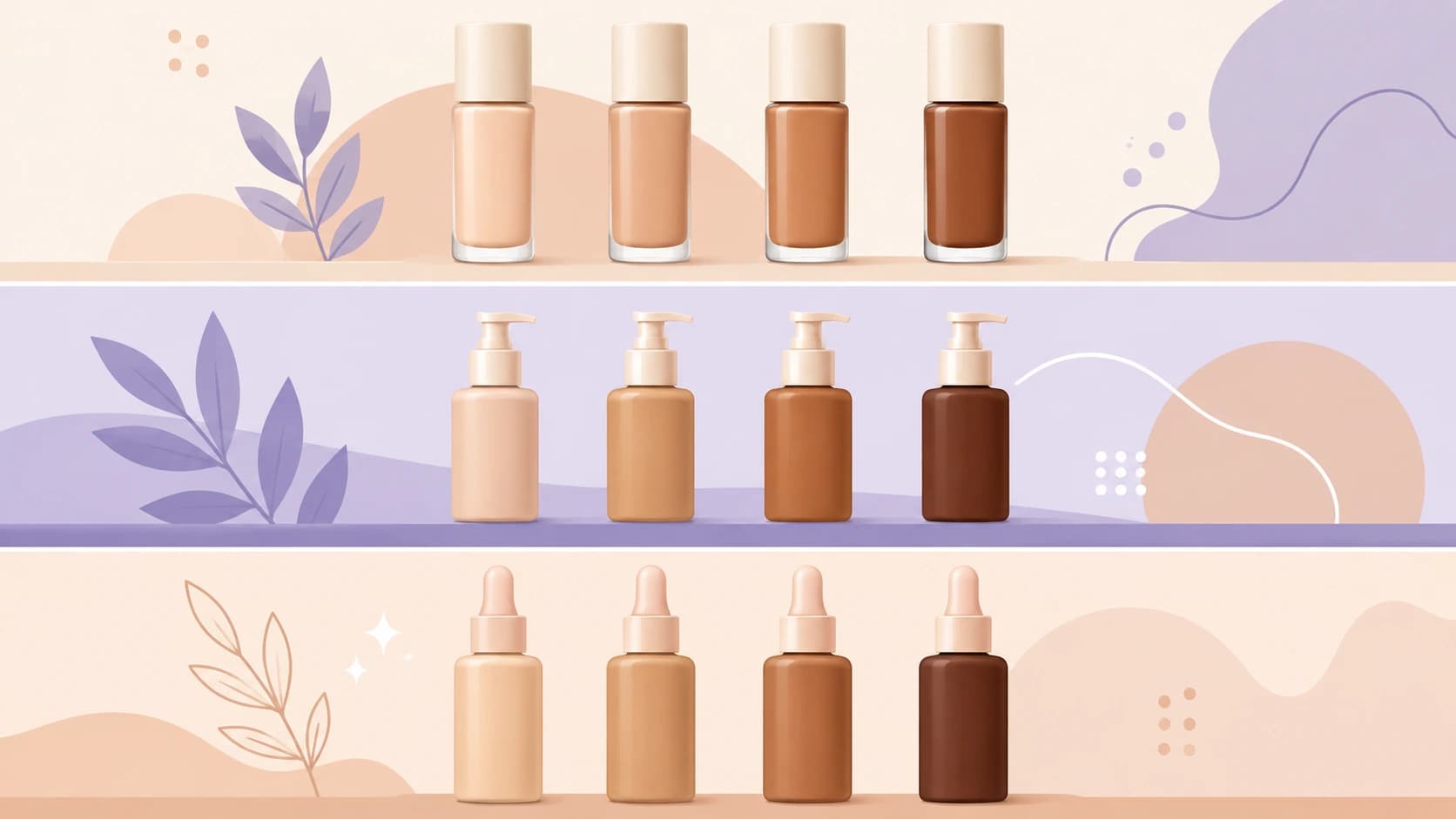
Shade product listings are coming soon.
Also try the Concealer Shade Finder
Same photo-based skin tone analysis, plus a one-shade-lighter option for under-eye brightening
Also try the Skin Tone Analyzer
Get your full skin tone chart, undertone breakdown, and color, jewelry & hair styling guide
Also try AI Skin Analysis
Find your skin type — Oily, Dry, Combination, Normal, or Sensitive — and detect redness, shine & dark circles
Read: How to Find Your Foundation Shade
Undertone tests you can do at home, plus in-store vs. online matching tradeoffs
Read: Makeup & Contouring Guide for Every Face Shape
Where to contour, highlight, and place blush for your specific face shape
 Got questions?
Frequently Asked Questions
Everything you need to know about foundation shade finding and how the tool works.
What is a foundation shade finder with photo?
A foundation shade finder with photo uses AI facial landmark detection to sample your skin tone directly from a selfie — reading your cheeks, forehead, and chin — then classifies your depth (tone band) and undertone (warm, cool, neutral, or olive) to suggest close-matching foundation shades, without needing to guess or test in-store.
How does this foundation shade finder work?
Upload or take a photo. The tool runs Google MediaPipe Face Landmarker in your browser to find your face, samples skin color from four regions, converts the readings to CIELAB color space, and classifies your tone band and undertone. All processing happens on your device — your photo is never uploaded to a server.
Is this foundation shade finder free?
Yes, this AI foundation shade finder is completely free to use, with no account, sign-up, or app download required.
What foundation shade am I?
Upload a clear, front-facing photo in even natural light to the analyzer above and it will estimate your tone band (from Fair to Deep) and undertone (warm, cool, neutral, or olive), then suggest foundation shade names that match your profile.
How accurate is an AI foundation shade finder?
Accuracy depends heavily on lighting and your screen's color calibration. Even, natural daylight gives the most reliable reading; harsh shadows, colored ambient light, or a flash can skew the result. Always treat the match as a starting point and patch-test a physical sample against your jawline before buying.
Does this tool store or upload my photo?
No. All analysis runs entirely in your browser using on-device AI (MediaPipe Face Landmarker). Your photo is never uploaded, transmitted, or stored anywhere.
What is the difference between skin tone and undertone for foundation matching?
Skin tone is the visible depth of your complexion — how light or dark it is, which can shift with tanning or season. Undertone is the underlying warm, cool, neutral, or olive cast beneath the surface, and it stays constant. Undertone is usually the more important factor in choosing a flattering foundation shade, since a shade with the wrong undertone can look ashy or orange even if the depth is close.
What foundation undertone should I choose?
If your veins look greenish and gold jewelry flatters you more, you likely lean warm. If your veins look bluish and silver flatters you more, you likely lean cool. If both look equally good, you likely lean neutral. A distinct green-gold cast with easy, even tanning points to olive. The analyzer above estimates this automatically from your photo.
How do I get the most accurate foundation shade match from a photo?
Use a clear, front-facing photo taken in even, natural daylight. Avoid strong colored lighting, heavy shadows, or flash. Remove existing foundation or heavy makeup so the tool reads your natural skin. Keep your whole face in frame with a neutral expression.
Can I use this foundation shade finder for all skin tones?
Yes. The tool classifies skin into six tone bands from Fair to Deep and four undertone categories, covering the full range of skin tones. Accuracy for any tone still depends most on photo lighting quality.
Why does my foundation shade look different online versus in-store?
Screen color calibration, photo lighting, and camera white balance can all shift how a shade renders on different devices. This is true of any online shade-matching tool, not just AI-based ones — always confirm with a physical sample in natural light before committing to a full-size purchase.
What is olive undertone and how does it affect foundation matching?
Olive is a distinct undertone category with a green-gold cast that doesn't fit cleanly into warm or cool. Foundations formulated for warm or cool undertones can look ashy or too pink on olive skin — look for shades labeled "olive" or "golden-neutral" specifically, which this tool flags separately rather than forcing into warm or cool.
How many foundation shades does this tool cover?
This tool classifies your profile into one of six tone bands and four undertones (24 possible combinations) and suggests example shade names for that profile. Coverage of real branded products in the "Shop Your Shade" section is currently limited to a small set of example entries — always cross-check with a brand's official shade finder or in-store testing for a full product range.
Can I use this shade finder on mobile?
Yes, the tool works on any modern mobile browser. You can either upload an existing photo or use your device camera directly to take a new one.
Does lighting really matter that much for shade matching?
Yes — lighting is the single biggest factor affecting accuracy in any photo-based shade finder. Warm indoor lighting can make a cool undertone look warm, and vice versa. This tool checks for uneven lighting across your sampled regions and will flag the result as lower-confidence if it detects inconsistency.
What should I do if my photo gets flagged for uneven lighting?
Retake the photo in soft, even, natural daylight facing a window, without strong side lighting, colored bulbs, or flash. A plain background and a relaxed, front-facing expression also help the tool sample your skin more reliably.
Is a foundation shade finder better than testing in-store?
A photo-based shade finder is a fast, convenient starting point — especially useful when shopping online or before a store visit — but it can't fully replace testing a physical sample against your jawline in natural daylight, which remains the most reliable way to confirm a match.
Can men use this foundation shade finder?
Yes — skin tone and undertone analysis applies equally to all genders. The tool measures your natural skin color, not style preferences, so the shade matching is just as relevant for men's grooming products, tinted moisturizers, or BB creams.
Disclaimer
Shade matches from this tool are a starting point for shopping, not a guaranteed exact match. Accuracy depends heavily on photo lighting and your screen's color calibration. Always patch-test a physical sample against your jawline in natural daylight before buying. This is not a professional cosmetic consultation.