AI Skin Analysis
Upload a photo to find out what your skin type is in seconds. Our free AI skin analyzer classifies your skin as Oily, Dry, Combination, Normal, or Sensitive — and detects redness, dark circles, shine, and uneven tone — with personalised skincare routine tips. No sign-up, fully private.

How AI Skin Analysis Works
Four steps from photo to personalized skincare tips — all processed locally on your device.
Upload or take a photo
Upload a clear, front-facing photo in natural light, or use your device camera directly in the browser. Avoid heavy makeup or filters for the most accurate reading.
AI maps 478 facial landmarks
MediaPipe Face Landmarker runs entirely in your browser and locates 478 precise points across your forehead, cheeks, nose, chin, and under-eye area — without uploading any data.
Five skin zones are sampled
The analyzer samples pixel brightness and color across your forehead, cheeks, nose, chin, and under-eye zones to measure shine, dryness, evenness, and redness.
Your skin type is classified
Based on those readings, your skin is classified into one of five types — Oily, Dry, Combination, Normal, or Sensitive — with any detected concerns and personalised routine tips.
All Skin Types: Which One Are You?
Five distinct skin types classified by T-zone shine, cheek dryness, tone evenness, and redness.
Oily

Visible shine across the T-zone, with more resilient, slower-to-wrinkle skin.
- ·Oil-free, lightweight moisturizer
- ·Niacinamide to regulate oil
- ·Clay mask 1–2x weekly
Dry

Little shine, a matte finish, and occasional tightness or flaking.
- ·Rich cream or facial oil
- ·Hyaluronic acid serum
- ·Avoid foaming sulfate cleansers
Combination

An oilier T-zone paired with more balanced or dry cheeks.
- ·Multi-mask by zone
- ·Balanced gel-cream moisturizer
- ·Blotting papers midday
Normal

An even balance of oil and hydration with minimal visible concerns.
- ·Simple, consistent routine
- ·Daily SPF
- ·Vitamin C for radiance
Sensitive

Visible redness or flushing, especially on cheeks and nose.
- ·Fragrance-free formulas
- ·Centella or panthenol
- ·Mineral SPF (zinc oxide)
How to Photograph Your Skin
Lighting matters more than anything else for an accurate skin reading.
Soft, even daylight
Face a window with natural daylight. Avoid direct harsh sun, warm indoor bulbs, or strong colored lighting, which all skew tone readings.
Face the camera directly
Look straight ahead — chin level, not tilted up or down. This keeps all five sample zones clearly visible.
Bare, makeup-free skin
For the most accurate type and concern reading, photograph your skin without foundation, concealer, or filters.
No heavy filters
Skip beauty filters and skin-smoothing effects — they alter texture and tone in ways that change the result.
Single face in frame
The analyzer works best with one person clearly visible. Make sure no other faces are partially in the frame.
Hair away from the face
Hair falling over the forehead or cheeks can obscure the sample zones used for analysis.
Unexpected result? Retake the photo in natural daylight, facing the camera directly with bare skin and no filters. Lighting changes more than anything else can shift the classification.
Also try the Skin Tone Analyzer
Find your skin tone and undertone — warm, cool, or neutral — for foundation and color matching
Find Your Concealer Shade
Match a concealer to your under-eye tone — useful if dark circles were detected above
Skin Concerns the AI Can Detect
Alongside your skin type, the analyzer flags up to six visible concerns: redness, dark circles, T-zone shine, uneven tone, dullness, and dryness.
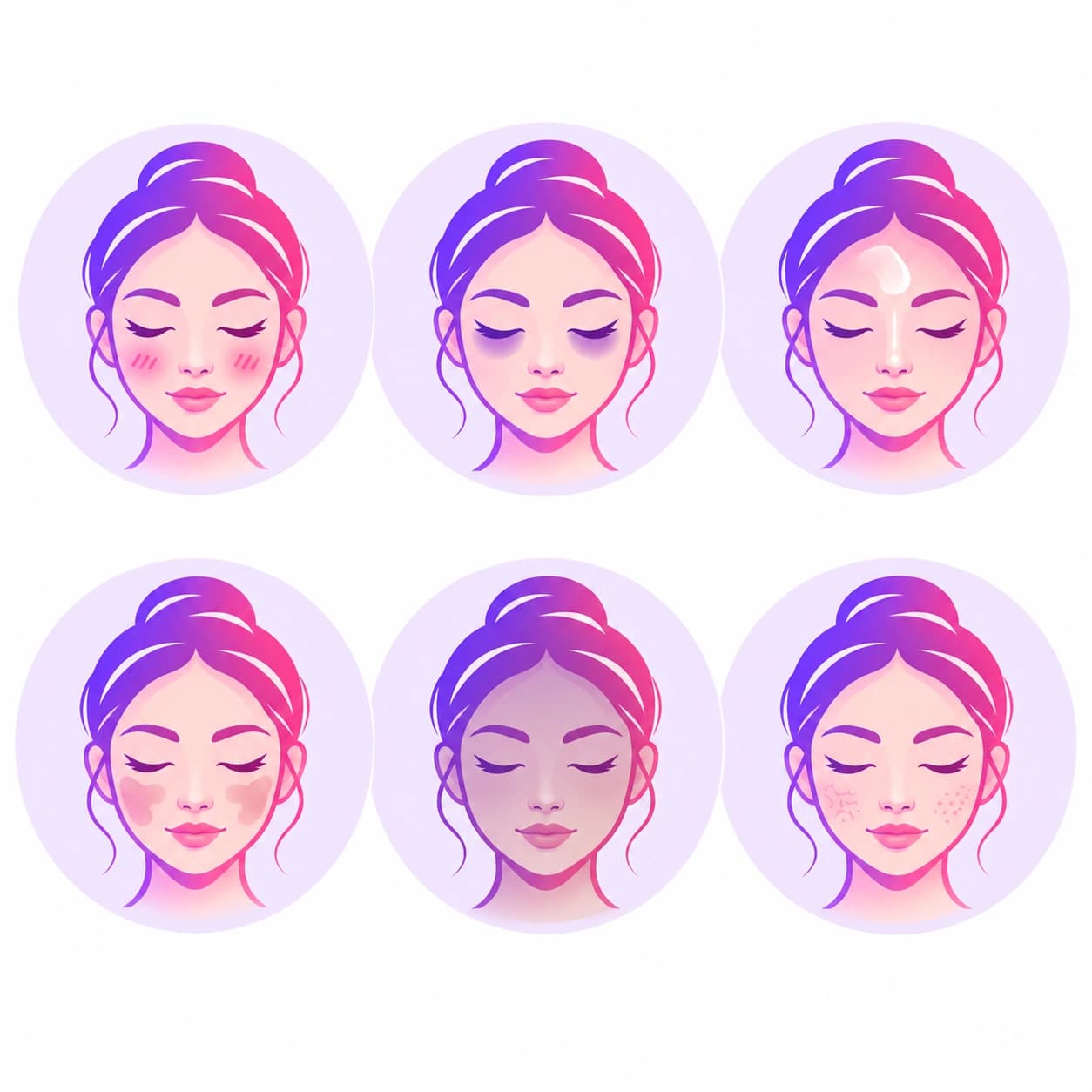
Skin Type Chart: How the Analyzer Classifies You
If you've been asking what skin type do I have, this chart covers every skin type this analyzer identifies, plus the real pixel measurements behind each classification.
| Type | Key Trait | How the Analyzer Detects It |
|---|---|---|
| Sensitive | Visible redness on cheeks/nose | Redness score above 0.045 (cheek/nose tone vs forehead) |
| Oily | T-zone shinier than cheeks | Shine score above 0.05, dryness score below 0.18 |
| Combination | Oily T-zone, drier cheeks | Shine score above 0.05 and dryness score above 0.18 |
| Dry | Low overall brightness, uneven cheeks | Dryness score above 0.22 |
| Normal | Balanced brightness and texture | Default classification when no other threshold is met |
This analyzer uses Google MediaPipe Face Landmarker to place 478 landmarks, then reads pixel brightness and color from five zones — forehead, cheeks, nose, chin, and under-eye — drawn onto a local canvas. Shine, dryness, evenness, and redness are all derived from relative brightness and color differences between these zones, normalised against inter-ocular distance so sampling works consistently regardless of photo resolution or distance. Your photo never leaves your device — all computation runs locally in your browser.
Frequently Asked Questions
Everything you need to know about skin types and how the analyzer works.
What is AI skin analysis?
AI skin analysis uses facial landmark detection and pixel-level color sampling to read brightness, tone, and texture across different zones of your face — forehead, cheeks, nose, chin, and under-eye — then classifies your skin type and flags visible concerns like redness, shine, or uneven tone.
How many skin types are there?
This tool classifies skin into five common types: Oily, Dry, Combination, Normal, and Sensitive. These five categories are the standard framework used across most skincare and dermatology guidance, though skin can shift between categories with season, climate, and age.
Is my photo stored or shared?
No. All processing happens entirely in your browser using Google's MediaPipe Face Landmarker and a local canvas for pixel sampling. Your photo never leaves your device and is not uploaded to any server.
How accurate is the skin analysis?
Accuracy depends heavily on photo lighting and quality. Natural, even daylight without strong color casts gives the most reliable reading. Heavy makeup, filters, or warm indoor lighting can skew the detected skin tone and texture. Treat the result as a helpful starting point, not a clinical measurement.
What skin zones does it sample?
The analyzer samples five zones using the MediaPipe 478-point face mesh: the forehead centre and sides, both cheeks, the nose tip, the chin, and the under-eye area. Brightness and color from these zones are compared to detect shine, dryness, redness, and dark circles.
What is combination skin?
Combination skin shows characteristics of both oily and dry skin — typically a shinier T-zone (forehead, nose, chin) with cheeks that feel more normal or dry. It is one of the most common skin types and often benefits from zone-specific skincare.
Why did it detect redness on my face?
Redness is detected when your cheeks or nose read redder relative to your forehead. This can reflect naturally sensitive or reactive skin, recent sun exposure, temperature change, or simply flushed skin at the moment the photo was taken. It is not a medical diagnosis of rosacea or any skin condition.
Can lighting affect my result?
Yes, significantly. Warm indoor bulbs can make skin appear more golden or oily; cool or blue-toned lighting can make skin appear paler or redder. For the most reliable result, use soft, even natural daylight facing a window, without strong backlighting or colored lights.
What causes dark circles to be detected?
The tool compares brightness directly under your eyes to your cheek brightness. A notably darker reading there is flagged as visible dark circles — commonly caused by thinner under-eye skin, reduced sleep, dehydration, or natural pigmentation, rather than any single cause.
Does this replace a dermatologist?
No. This tool is for entertainment and general skincare inspiration only. It is not a diagnostic or medical tool. For any persistent skin concern, acne, rash, or suspected skin condition, consult a licensed dermatologist.
How is this different from the Skin Tone Analyzer?
The Skin Tone Analyzer focuses specifically on your skin color and undertone (warm, cool, or neutral) for makeup and foundation matching. AI Skin Analysis instead focuses on skin condition — type (oily, dry, combination, normal, sensitive) and visible concerns like shine, redness, dryness, and dark circles.
Can skin type change over time?
Yes. Skin type can shift with age, season, climate, hormones, and skincare habits. Skin often becomes drier with age and can be oilier in hot, humid weather. Re-running the analysis periodically can help you adjust your routine accordingly.
Also try the Face Shape Detector
Discover your face shape — oval, round, square, heart, diamond, oblong, or triangle — with hairstyle and glasses tips